
Ask for a username and password before anyone can see part of your website, such as a staging copy or a staff area.
- In the control panel, click your domain, then Password-Protected Directories on the Dashboard tab.
- Click Add Protected Directory.
- Enter the folder, for example
/staging, and a title that visitors see in the login box. - Click OK, then Add User and create a username and password.
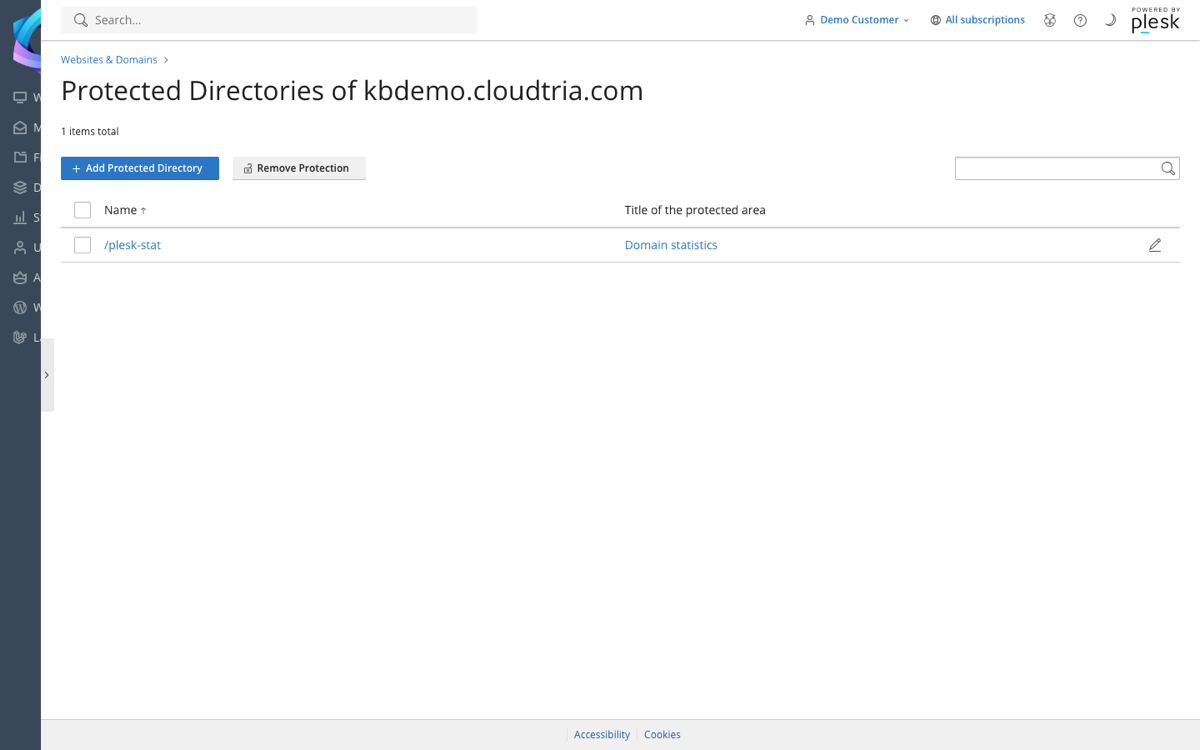
Visitors now see a login box before the folder opens. Add as many users as you need.
