
You can cancel any service from the client area, either straight away or at the end of the period you have paid for.
- Log in to the client area and open the service from Services → My Services.
- Under Actions, click Request Cancellation.
- Tell us briefly why you are leaving. It helps us improve.
- Choose Immediate or End of Billing Period, then click Request Cancellation.
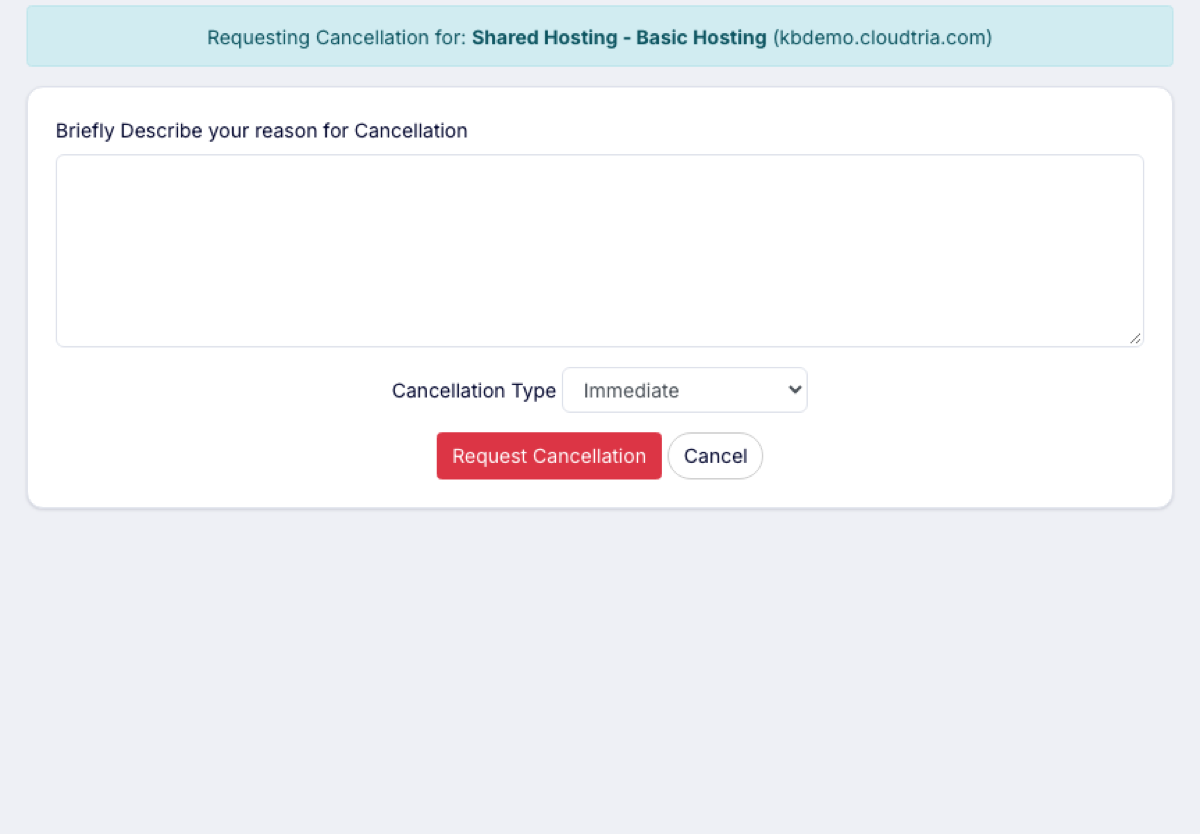
When hosting is cancelled, your website, email and databases are deleted. Download a backup and move your email first.
Domains are not cancelled this way. To stop a domain renewing, turn off Auto Renew on the domain in Domains → My Domains.
