
We back up our servers every day. You can also make your own backup of your website, email and databases at any time, and download it.
Make a backup
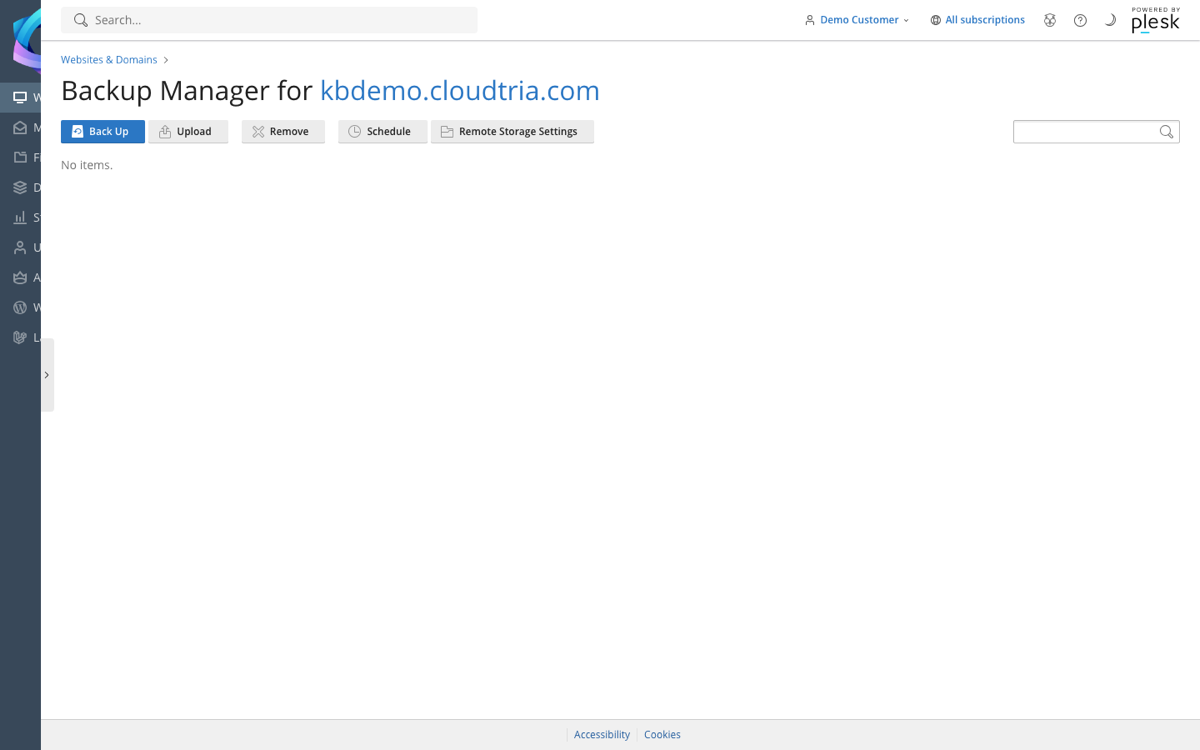
- In the control panel, click your domain, then Backup & Restore.
- Click Back Up.
- Choose what to include (everything is selected by default) and click OK.
- When it finishes, the backup appears in the list. Click it to download a copy to your computer.
Restore a backup
Click a backup in the list, choose what to restore and click Restore. Restoring overwrites the current files with the ones in the backup.
Schedule backups
Click Schedule to back up automatically every day or week. Backups count towards your disk space, so keep only a few.
Need something back from our own daily backups, such as a deleted email or last week's files? Open a ticket and tell us what and when.
