
Create extra FTP accounts to give a developer or colleague access to your files, without sharing your main login. You can limit each account to one folder.
- In the control panel, click your domain, then FTP on the Dashboard tab.
- Click Add an FTP Account.
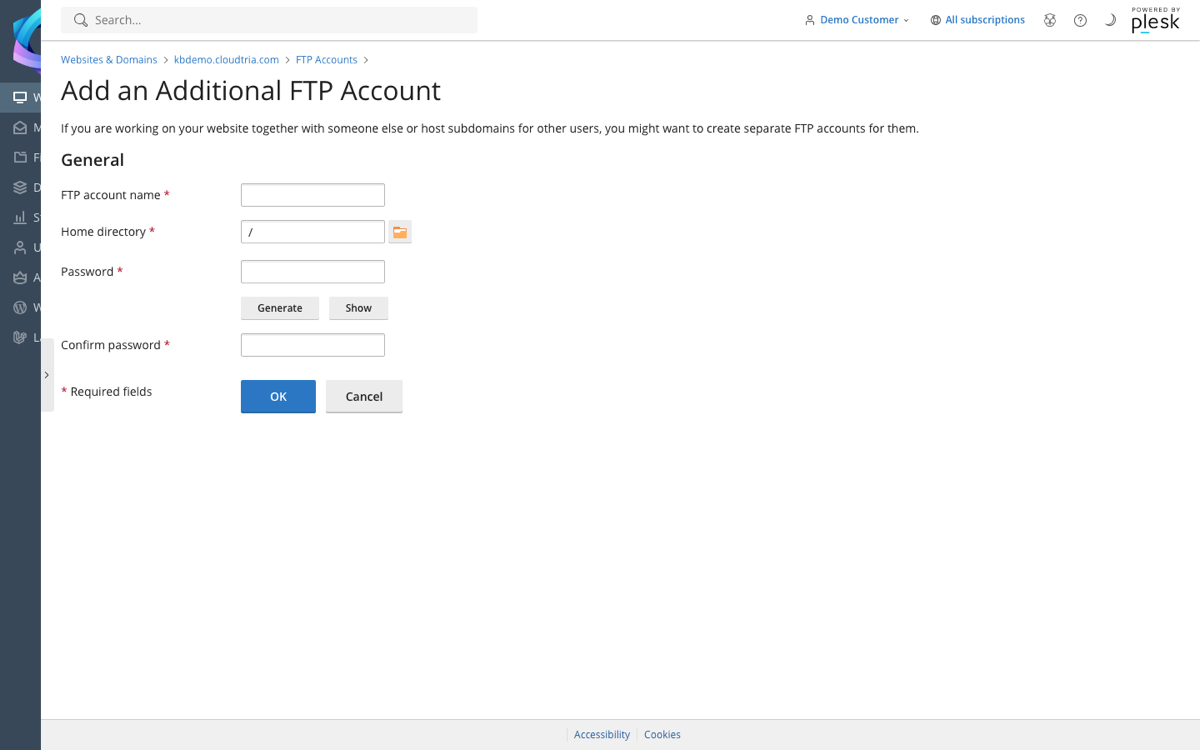
- Enter a name for the account.
- Choose the Home directory. The account can only see this folder and the ones inside it, e.g.
/httpdocs. - Set a password and click OK.
Send them the username, password and the connection settings. When the work is done, remove the account from the same page.
