
Use these details in FileZilla or any other FTP app.
| Setting | Value |
|---|---|
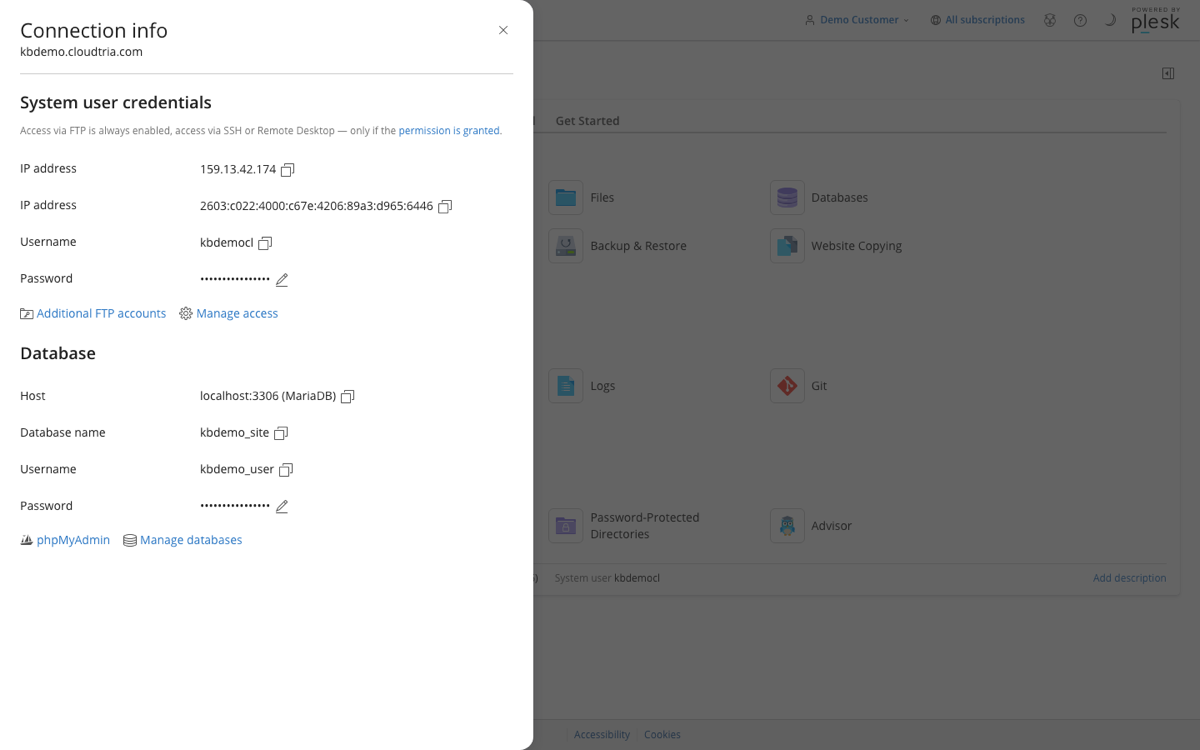
| Host | yourdomain.co.nz (or the server IP address shown in Connection Info) |
| Protocol | FTP, with Require explicit FTP over TLS |
| Port | 21 |
| Username and password | Your main hosting login, or an extra FTP account |
All these details are in the control panel: click your domain, then Connection Info on the Dashboard tab.
In FileZilla
- Open File → Site Manager and click New site.
- Enter the host, choose FTP and Require explicit FTP over TLS, and set Logon Type to Normal with your username and password.
- Click Connect and accept the certificate if asked.
- Upload into
httpdocs. See which folder do my files go in.
Connection problems? See too many connections and failed transfers.
