
Databases come with a user when you create them. Add extra users if, for example, you want a read-only login for reporting.
- In the control panel, click Databases, then the User Management tab.
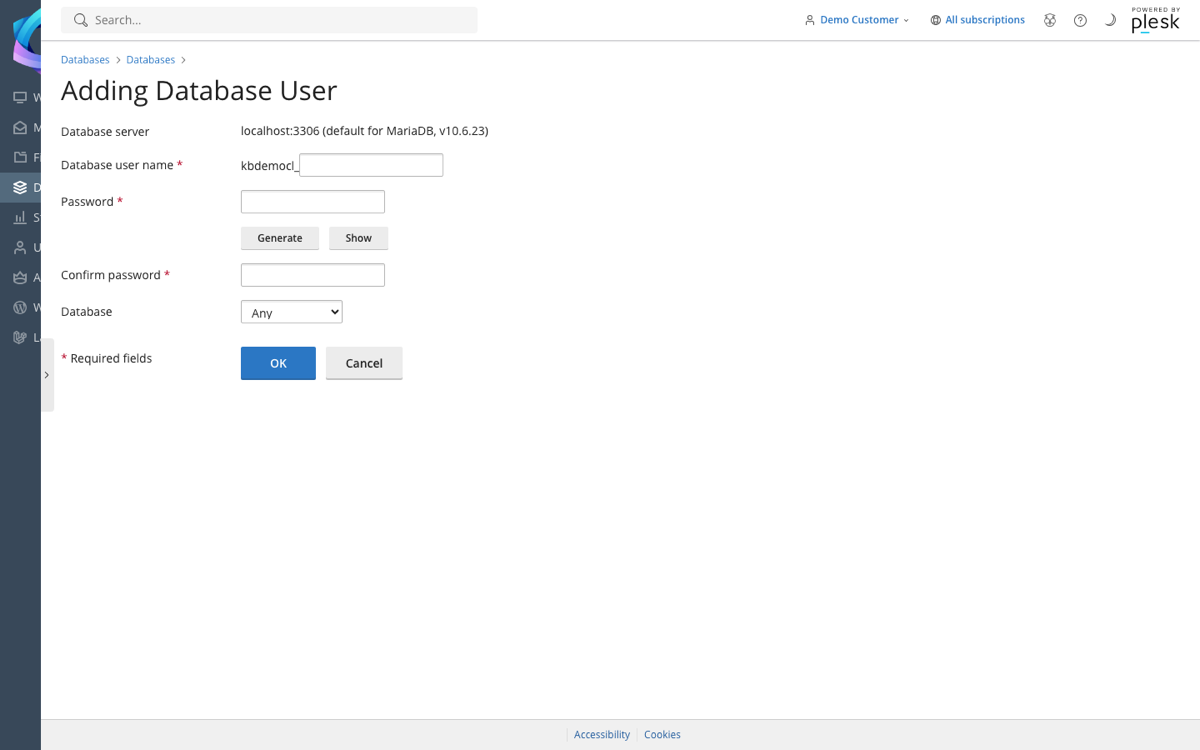
- Click Add Database User.
- Enter a username and password.
- Choose which database the user can access, then click OK.
Click a user in the list to change their password or permissions.
