
Your application asks for four things to connect to its database.
| Setting | Value |
|---|---|
| Database host | localhost (port 3306) |
| Database name | The name you gave it, shown in Databases |
| Username | The database user (not your control panel login) |
| Password | That user's password |
In the control panel, click your domain, then Connection Info. It lists every database and user on the site.
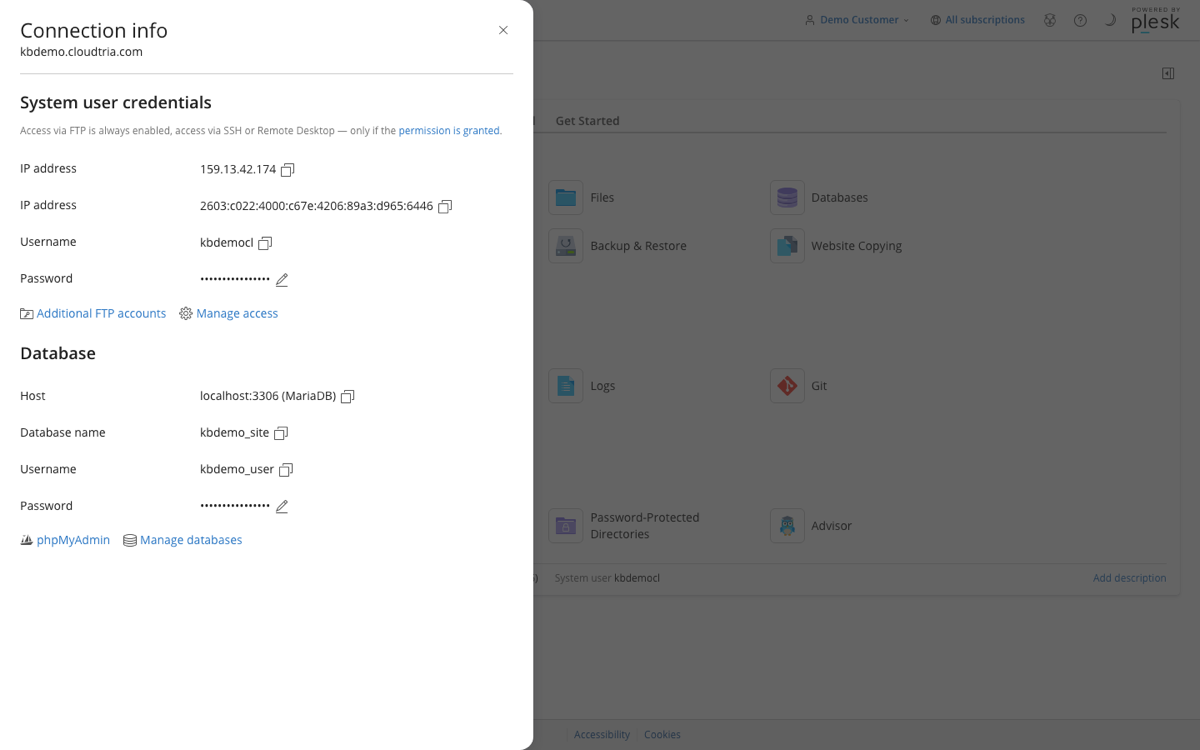
Forgotten the password? Click the pencil next to it to set a new one, then update your application's settings file (for WordPress, wp-config.php).
Databases only accept connections from your website on our server, not from outside, which keeps them safe.
