
Most website software, such as WordPress, needs a database. You can create one with its user in a single step.
Installing WordPress? You do not need to do this. WordPress Toolkit creates the database for you.
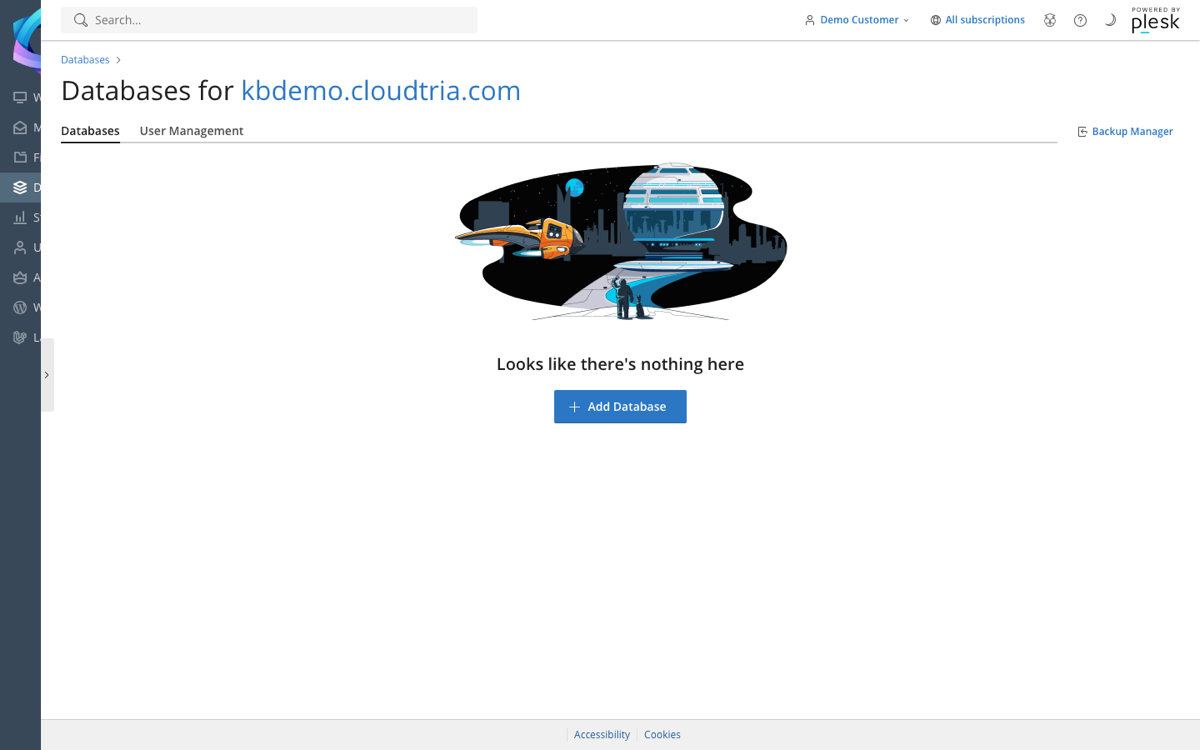
- In the control panel, click Databases in the left menu.
- Click Add Database.
- Enter a database name.
- Under Users, enter a database username and password (or click Generate).
- Click OK.
Your new database appears in the list with tools for phpMyAdmin, import and export.
To connect your application, see database connection details.
The number of databases depends on your plan. If Add Database is missing, you have reached the limit.
