
An auto-reply tells people you are away and who to contact instead. You can set it to switch itself off on the day you return.
- In the control panel, go to Mail and click the email address.
- Open the Auto-Reply tab and tick Switch on auto-reply.
- Enter a subject and your message.
- Optionally, enter an address in Forward to so a colleague gets a copy of incoming mail.
- Tick Switch off auto-reply on and pick the date you are back.
- Click OK.
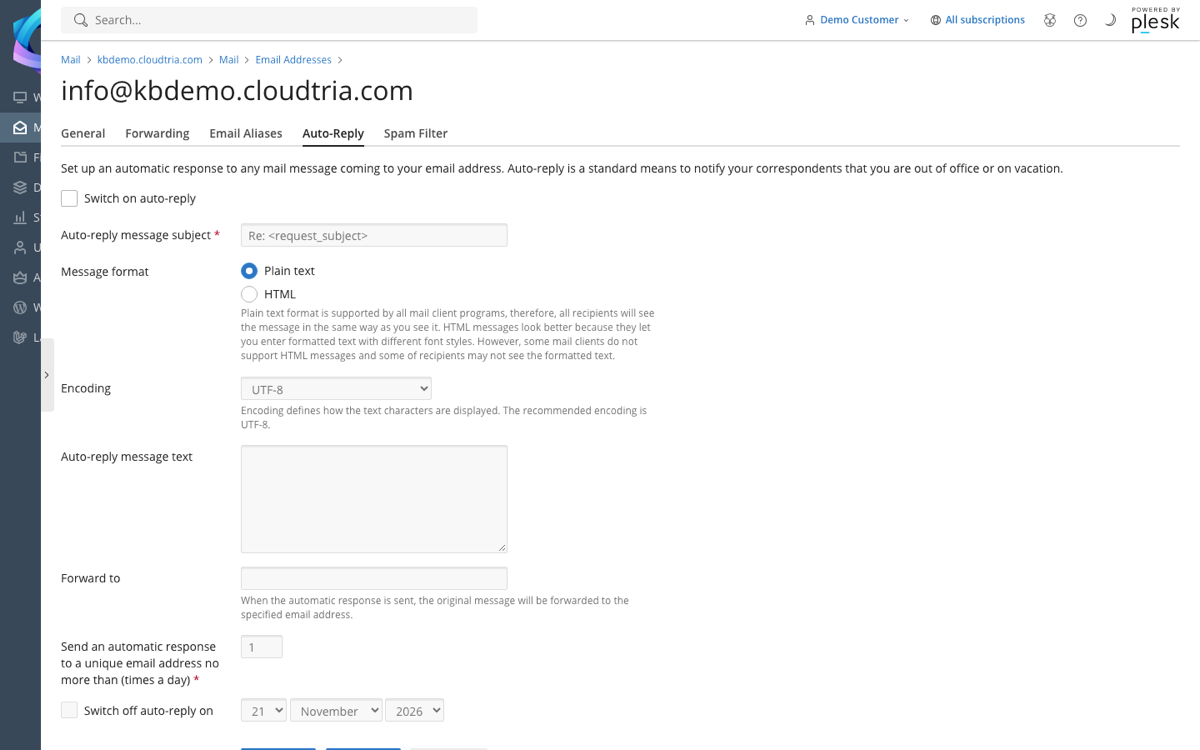
Each sender gets your auto-reply at most once a day, so people are not flooded with copies.
