
The control panel gives you tools to use with your session, such as copy and paste, file transfer and full screen.
Click the small tab on the left edge of the screen to open it.
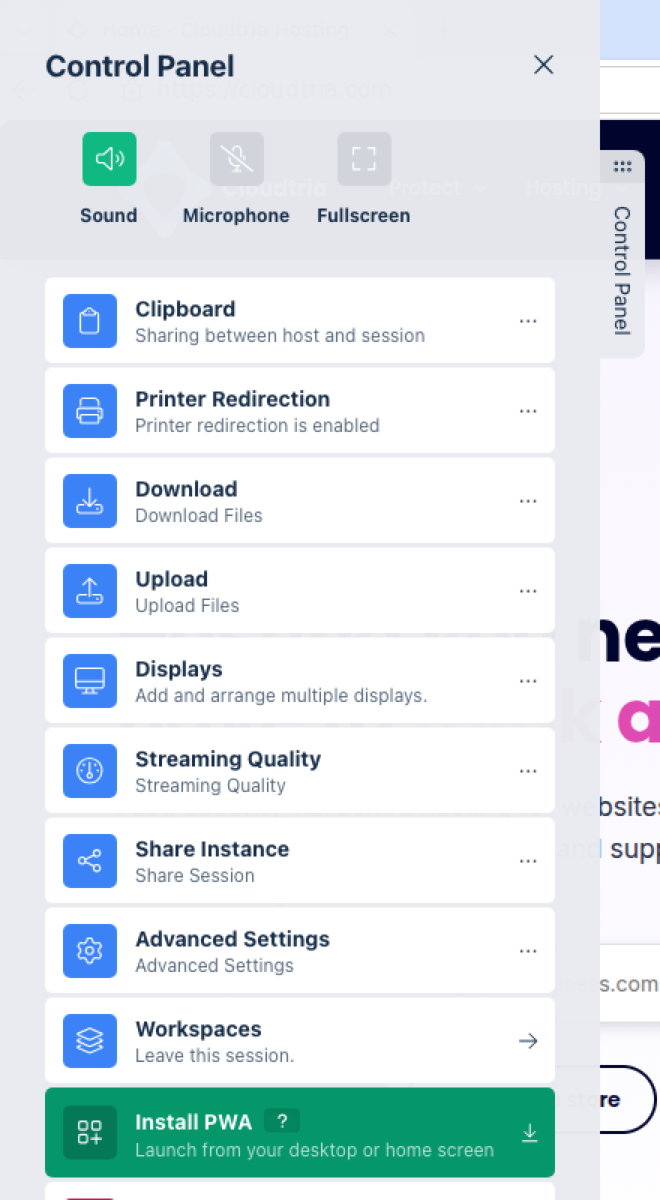
| Option | What it does |
|---|---|
| Sound / Microphone | Turn audio and your microphone on or off for the session. |
| Fullscreen | Use the whole screen for the session. |
| Clipboard | Copy and paste between your device and the session. See copy and paste. |
| Download / Upload | Move files in and out of the session. See uploading and downloading. |
| Printer Redirection | Print from the session to your own printer. |
| Streaming Quality | Lower it on a slow connection, raise it for sharper text. |
| Workspaces | Go back to the dashboard. Your session keeps running. |
| Delete Session | End the session and destroy the browser. |
Some options may be turned off by your organisation's security policy.
