
A session keeps running if you close the tab, so you can come back to it. Each session has a time limit, shown on its card.
Go to workspace.cloudtria.com. Your running session is shown on the left, with how long it has been running and how long it has left.
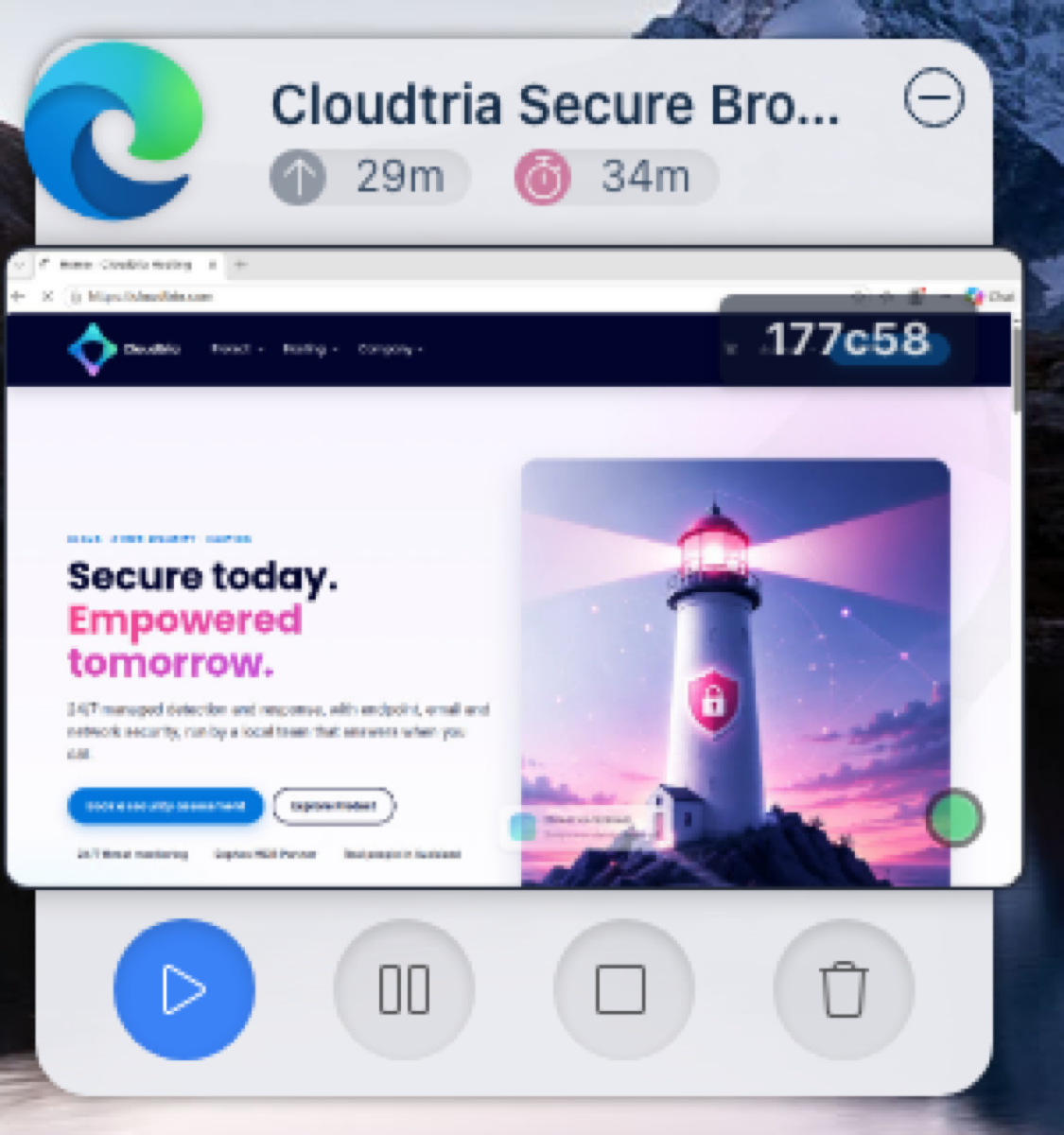
| Button | What it does |
|---|---|
| Resume (▶) | Go back into the session where you left off. |
| Pause | Freeze the session to resume later. |
| Stop | Shut the browser down. Your persistent profile is saved. |
| Delete | End the session and destroy the browser completely. |
When you have finished, Delete the session. With a persistent profile, your bookmarks and settings are still there next time; everything else is wiped.
When the time runs out, the session ends automatically. Start a new one whenever you need.
