
Most hacked websites run out-of-date WordPress or plugins. WordPress Toolkit keeps on top of this for you.
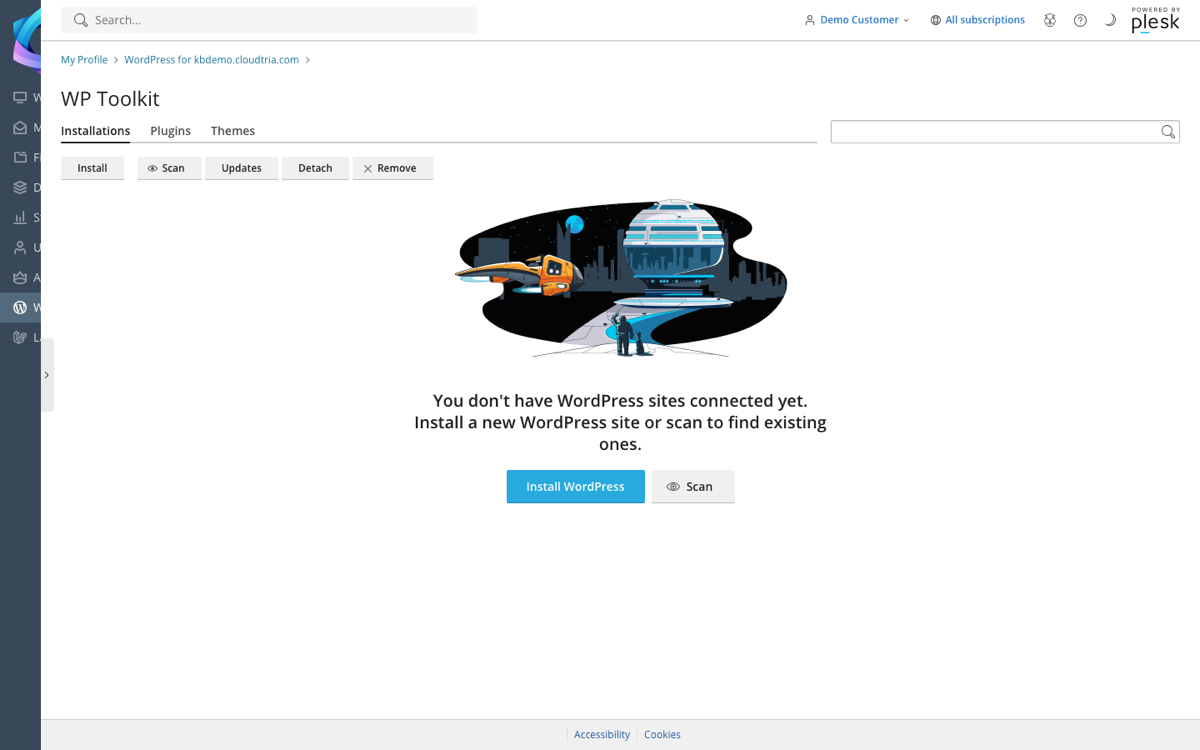
In the control panel, click WordPress in the left menu. Each site has a card with these tools:
- Updates: turn on automatic updates for WordPress, plugins and themes. We recommend minor and security updates automatically for WordPress itself.
- Security: click Check Security and apply the recommended measures in one go. They block common attacks without affecting how your site looks.
- Backup / Restore: take a backup before big changes, and roll back if something goes wrong.
- Clone: make a staging copy on a subdomain to test changes safely, then Sync them back.
- Maintenance mode: show a "back soon" page while you work.
- Password protection and Debugging for development sites.
Remove plugins and themes you do not use. Even inactive ones can be a way in for attackers.
