
Cloudtria Builder is a drag-and-drop website designer included with your hosting. Pick a template, edit it on the page and publish, with no code and no plugins to look after.
- Log in to the client area and open your hosting service.
- Click Edit with Sitejet Builder.
- Choose a template, or describe your business and let the builder draft pages for you.
- Click any text or image to change it. Add sections from the menu.
- Click Publish to put the site live at your domain.
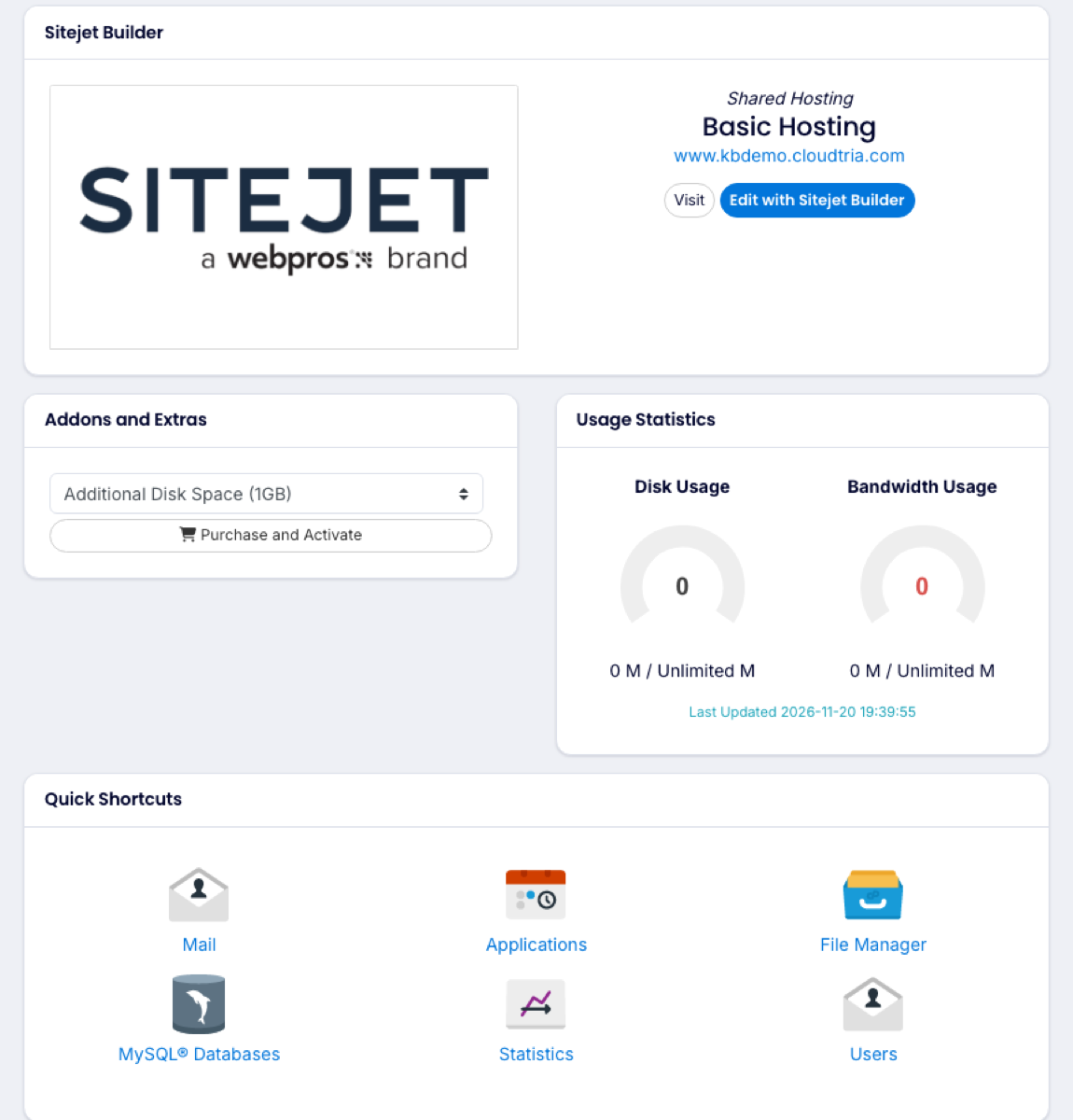
You can also start it from the control panel: click your domain, open Get Started and choose Cloudtria Builder.
Publishing replaces whatever is in
httpdocs. If you already have a website there, back it up first.