
Your hosting control panel is where you manage your website, email, files and databases. There are two ways in.
From the client area (easiest)
- Log in to the client area and open your hosting service from Services → My Services.
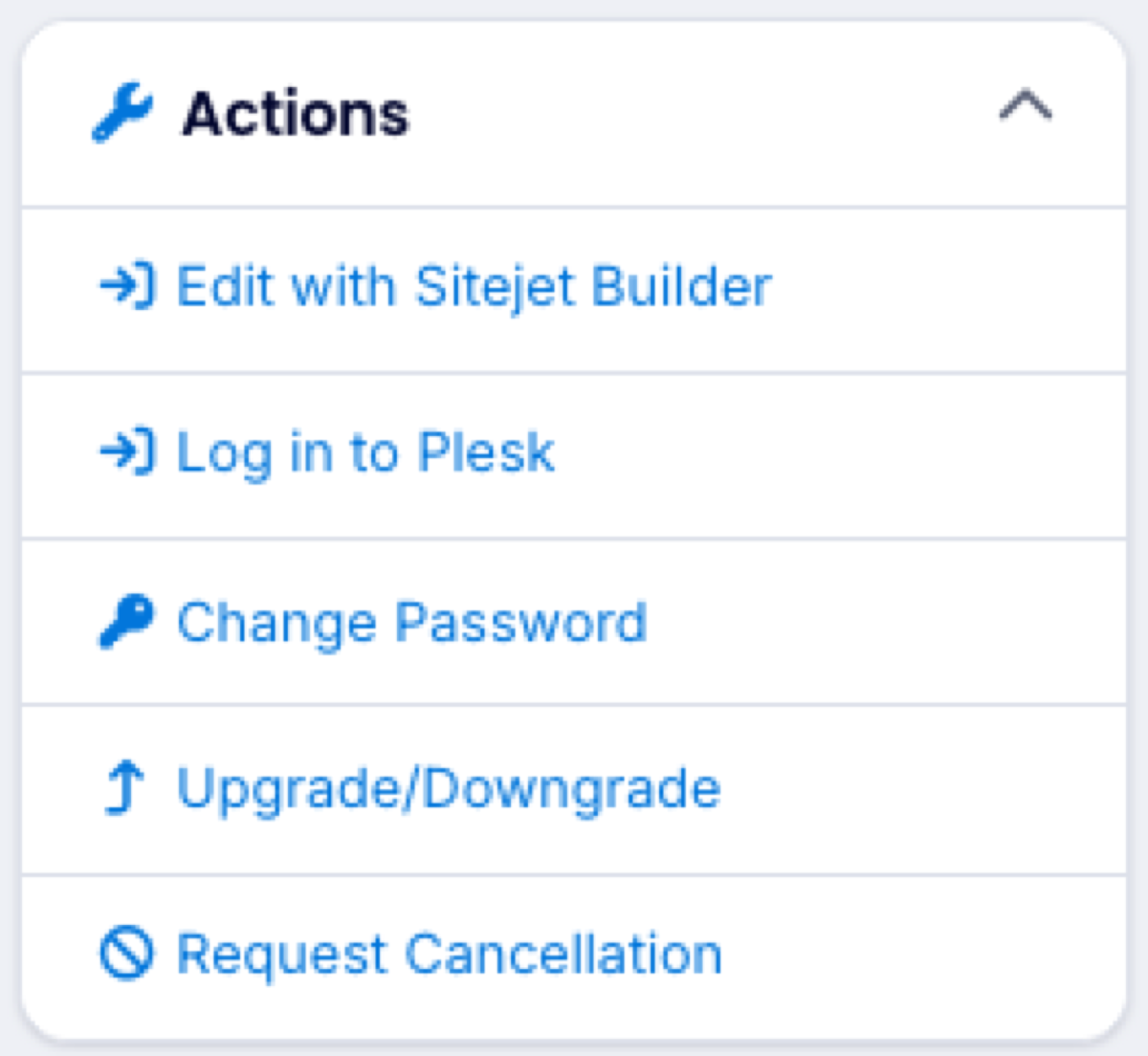
- Click Log in to Plesk under Actions, or one of the Quick Shortcuts.
You are signed in automatically. No second password is needed.
Directly
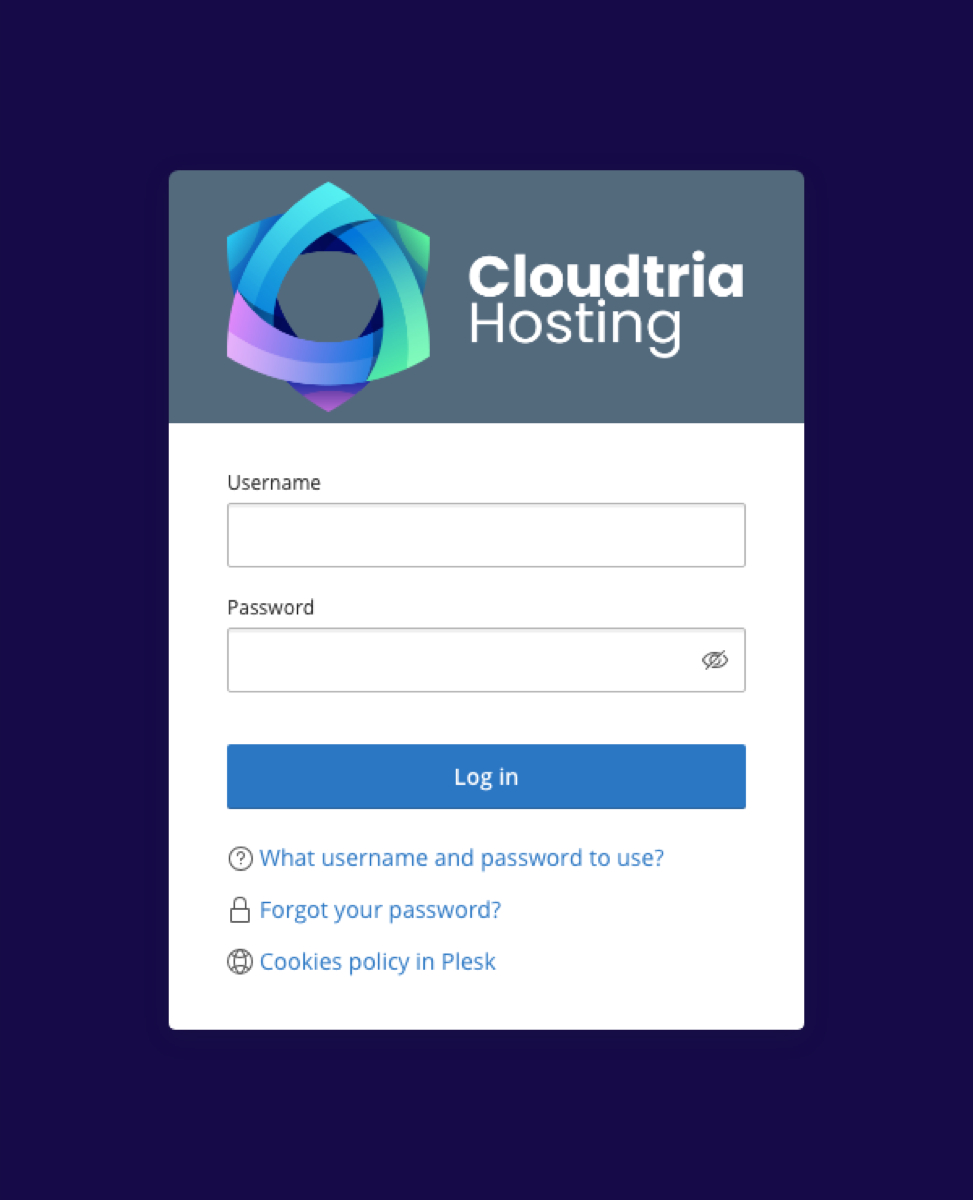
- Go to cp.cloudtria.com.
- Enter the username and password from your hosting welcome email.
Forgotten the password? Set a new one from the client area.
New to the control panel? Take the quick tour.
