
Your control panel has two kinds of statistics: how much of your plan you are using, and who is visiting your website.
Resource usage
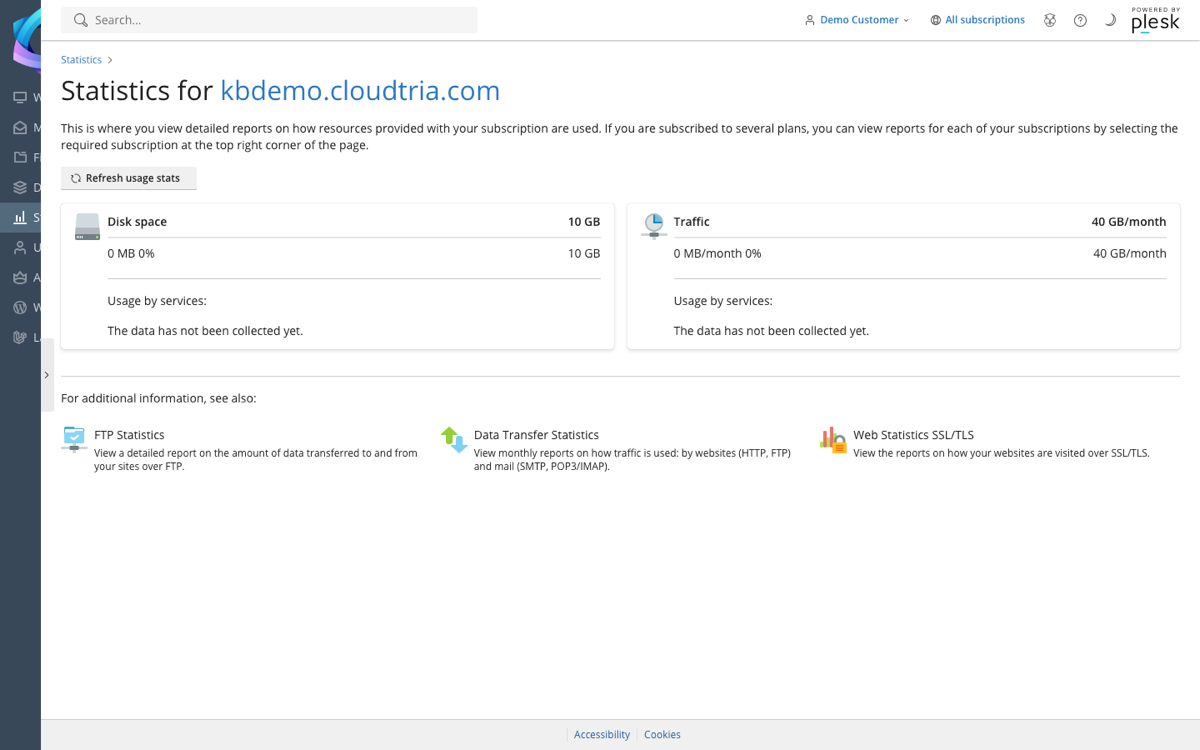
In the control panel, click Statistics in the left menu. You see disk space and traffic used against your plan's limits, and what is using them.
Visitor statistics
Click Web Statistics SSL/TLS on the same page for visitor reports, which update daily. The terms you will see:
| Term | Meaning |
|---|---|
| Unique visitors | Different people (strictly, different devices) who visited. |
| Visits | Separate browsing sessions. One person coming back tomorrow counts as two visits. |
| Pages | Web pages viewed. |
| Hits | Every file requested, including images and scripts. One page can mean dozens of hits. |
| Bandwidth | Data sent to visitors. |
Server statistics include bots and search engines, so they will be higher than tools like Google Analytics, which only count people with JavaScript turned on.
To see individual requests and errors, use your website logs.
