
You can set a new password for your hosting control panel (and FTP) from the client area, even if you have forgotten the old one.
- Log in to the client area and open your hosting service from Services → My Services.
- Under Actions, click Change Password.
- Enter a new password twice, or click Generate Password for a strong one.
- Click Save Changes. The new password works straight away.
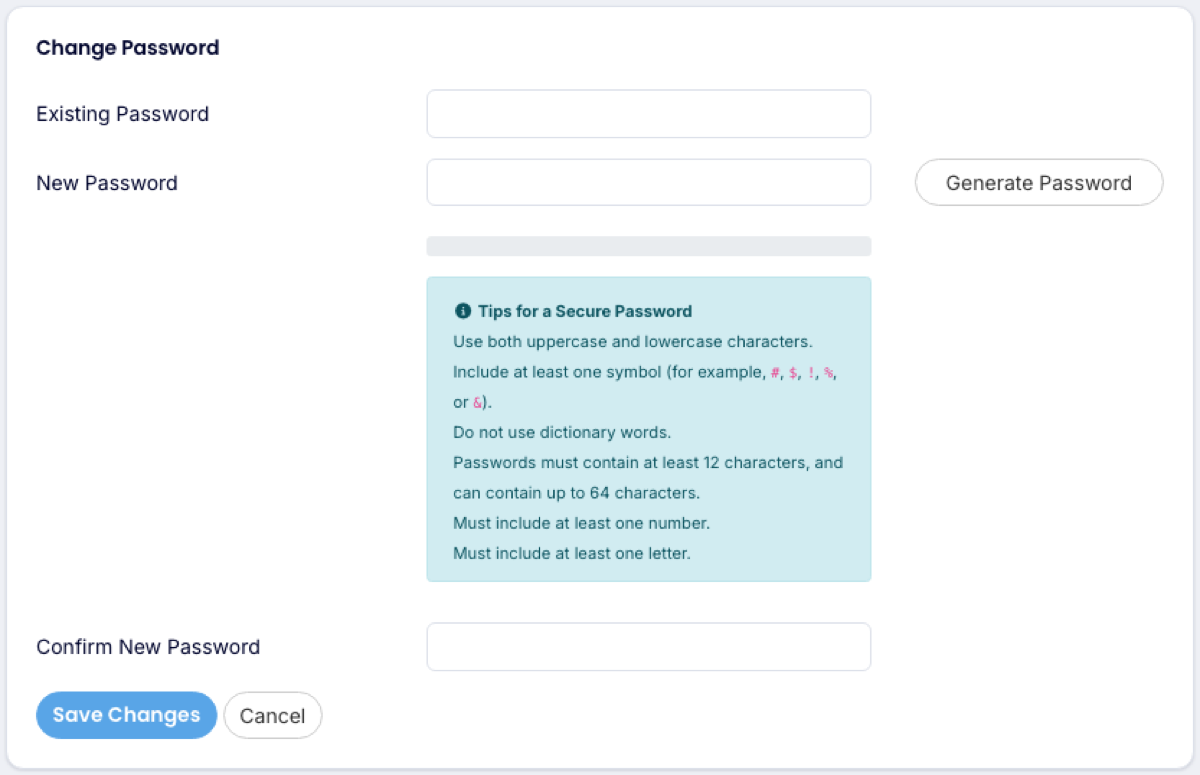
This changes the password for the main control panel login and the main FTP account. It does not change your client area password or any email passwords. For those, see client area password and email password.
You rarely need this password: Log in to Plesk on the same page signs you in without it.
