
If you have forgotten your client area password, you can reset it yourself in a couple of minutes.
- Go to the login page and click Forgot Password?.
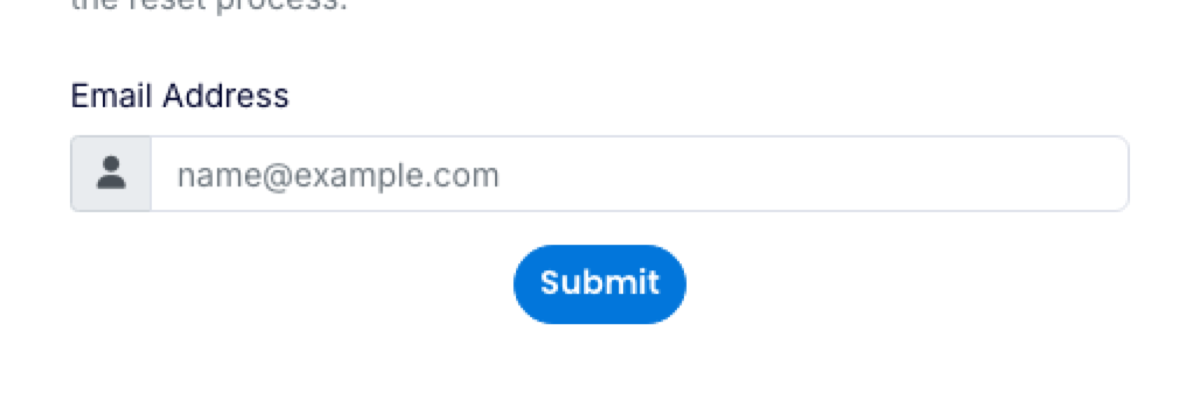
- Enter the email address you log in with and click Submit.
- Open the email we send you and click the reset link. It expires after a short time, so use it straight away.
- Choose a new password.
No email arrived?
- Check your junk or spam folder.
- Make sure you used the address your account is registered under. Other people on your team may have their own logins.
- If you no longer have access to that mailbox, contact us. We will ask a few questions to confirm it is you, then update the address.
Once you are back in, consider turning on two-factor authentication.
