
Everything about your hosting plan is in one place in the client area: sign-in to the control panel, password changes, upgrades, usage and billing.
Open your hosting service
- Log in to the client area.
- Go to Services → My Services.
- Click your hosting plan. The service page opens.
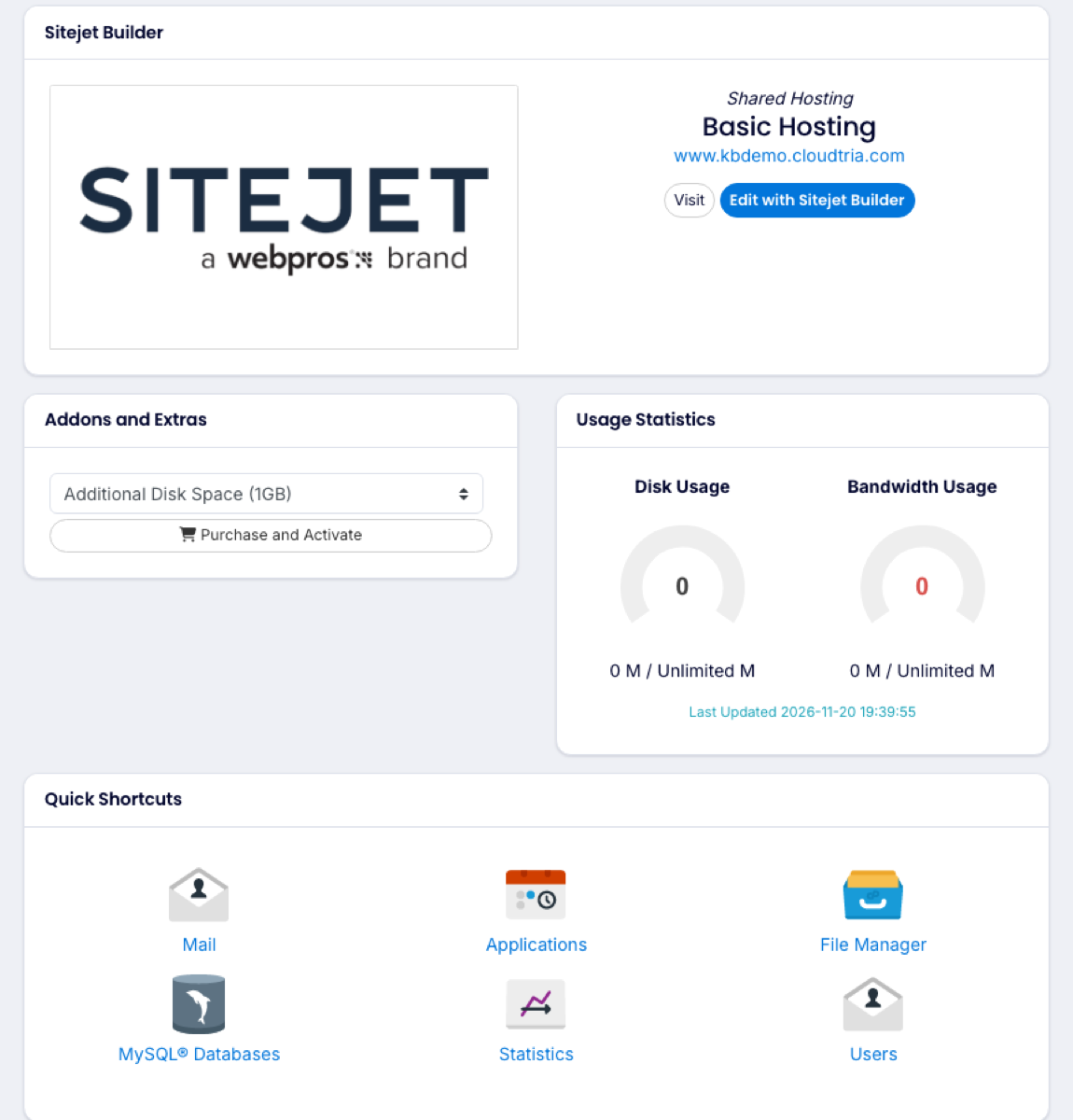
Your hosting service page.
What you can do here
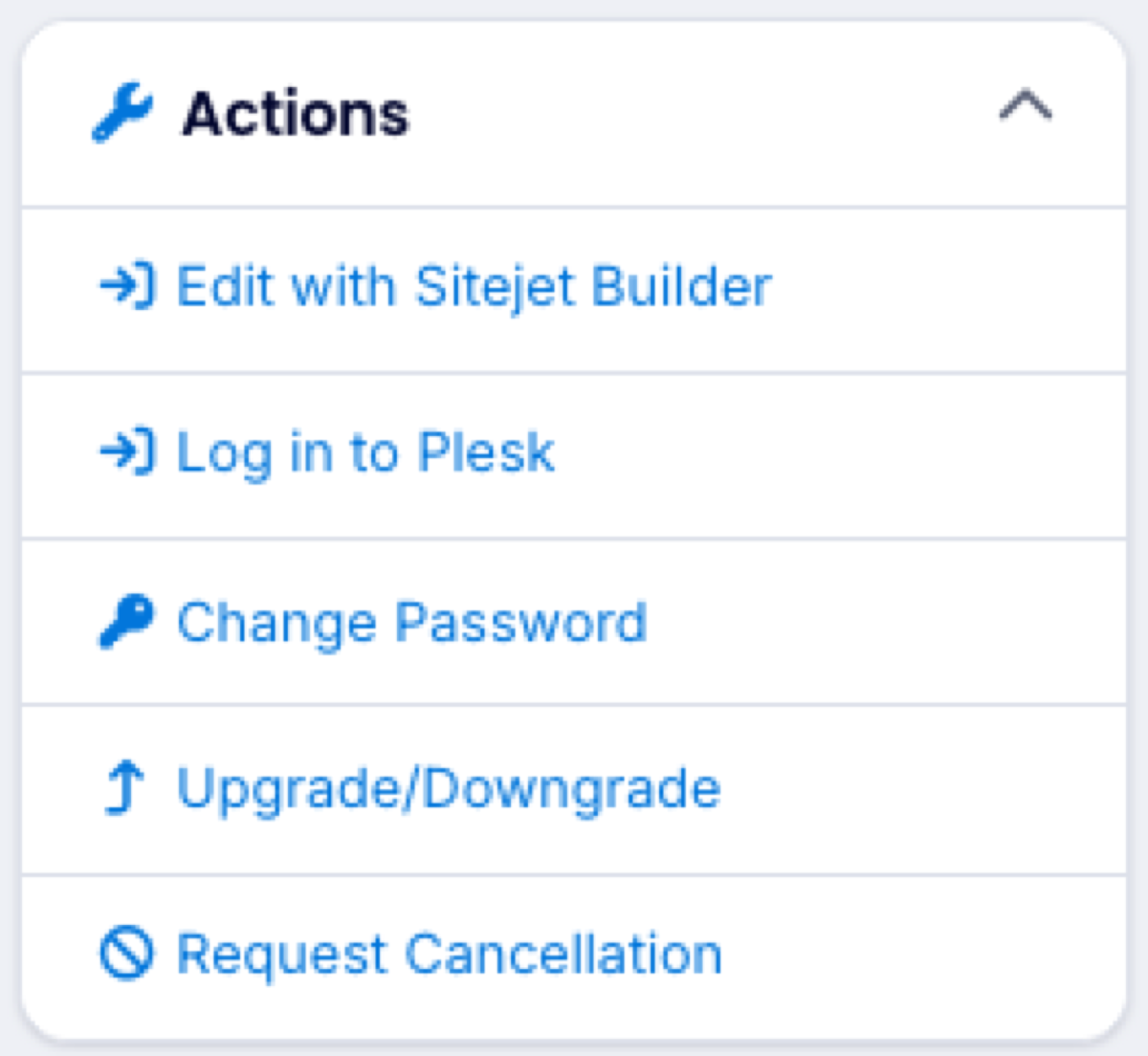
- Log in to Plesk opens your hosting control panel, already signed in.
- Edit with Sitejet Builder opens Cloudtria Builder to design your website.
- Change Password sets a new control panel password.
- Upgrade/Downgrade moves you to a different plan.
- Request Cancellation cancels the service.
Quick shortcuts
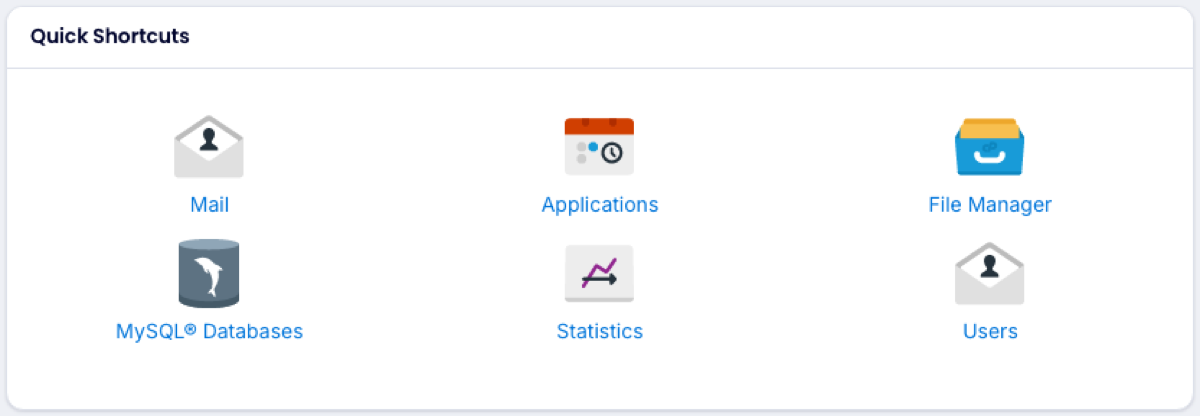
The Quick Shortcuts panel jumps straight to the right page in the control panel, with no second login:
| Shortcut | Opens |
|---|---|
| Your email addresses. See creating an email address. | |
| Applications | One-click apps such as WordPress. |
| File Manager | Your website files. See using the File Manager. |
| MySQL Databases | Your databases. See creating a database. |
| Statistics | Disk space, traffic and visitor reports. |
| Users | Extra control panel logins for staff or your web developer. |
Usage and add-ons
Usage Statistics shows how much disk space and bandwidth you are using. Figures refresh a few times a day. Addons and Extras lets you add things like extra disk space without changing plan.
