
You can move to a bigger or smaller hosting plan at any time. Your website, email and files stay exactly where they are.
- Log in to the client area and open your hosting service.
- Under Actions, click Upgrade/Downgrade.
- Choose the billing cycle for the plan you want, then click Choose Product.
- Check the order summary and complete checkout.
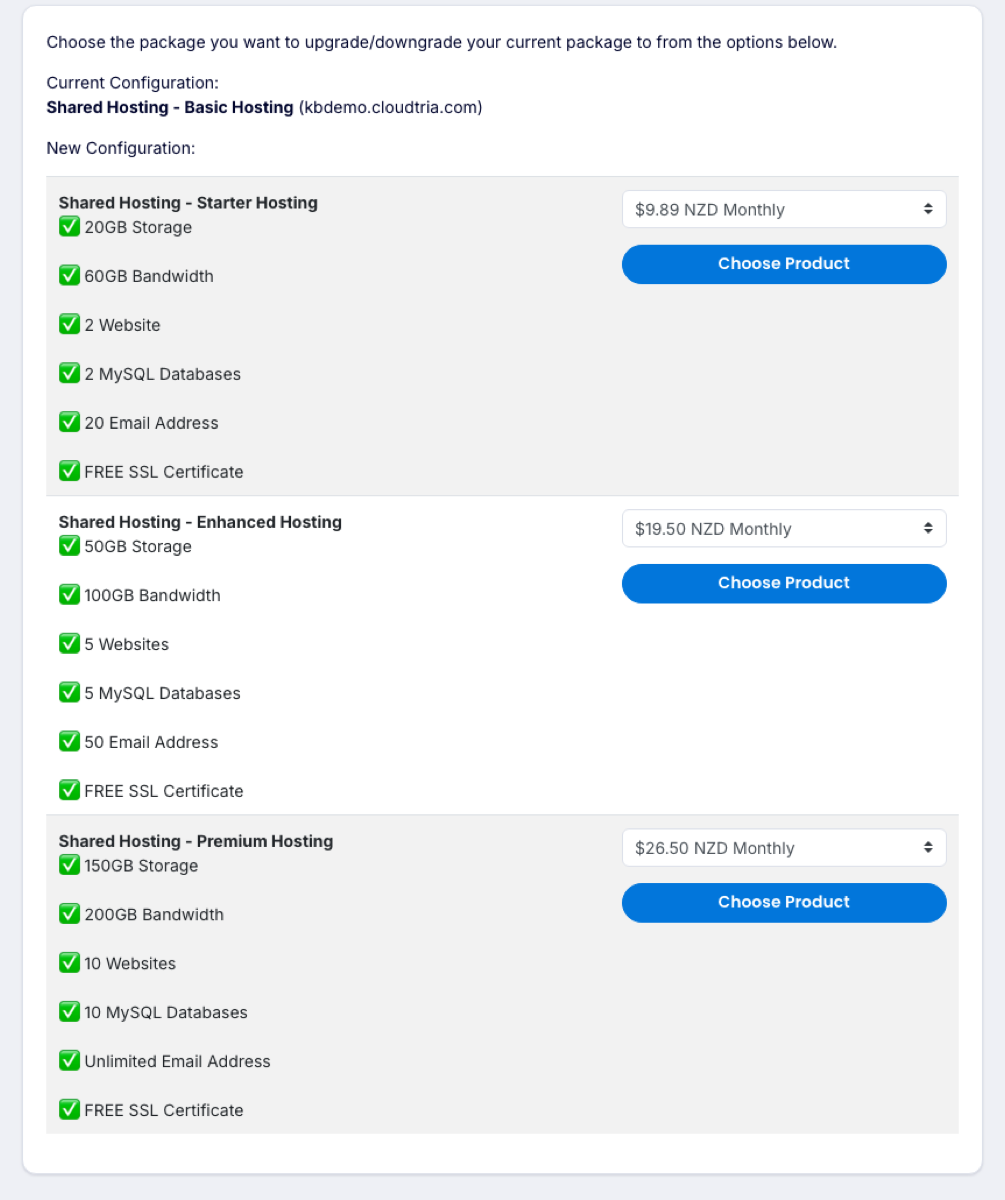
How the price works
You only pay the difference for the rest of your current billing period. For a downgrade, the difference is credited to your account and used on future invoices.
The change is applied as soon as the invoice is paid. Nothing goes offline while it happens.
Not sure which plan you need? Open a ticket with what you are running and we will recommend one.
