
Two-factor authentication (2FA) asks for a code from your phone as well as your password, so nobody can log in to your account with a stolen password.
- Install an authenticator app on your phone, such as Microsoft Authenticator, Google Authenticator or 1Password.
- Log in to the client area, click your name at the top right and choose Security Settings.
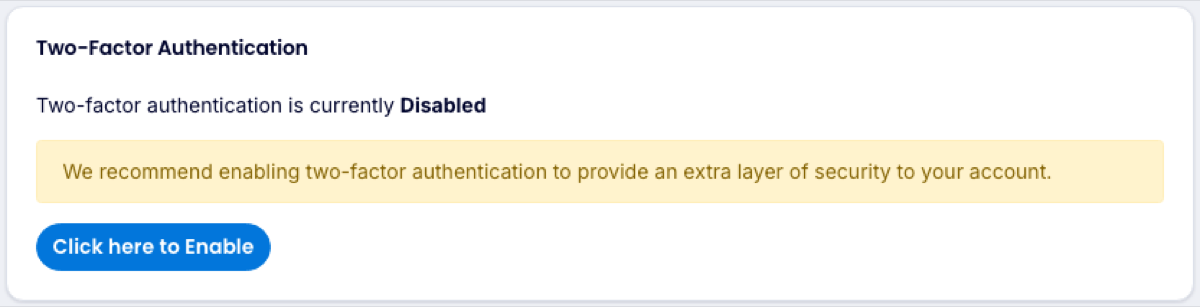
- Under Two-Factor Authentication, click Click here to Enable.
- Scan the QR code with your authenticator app, then enter the 6-digit code it shows.
- Save the backup code somewhere safe. You need it if you lose your phone.
From now on, enter the current code from the app after your password. Because Log in to Plesk uses your client area login, this also protects your hosting control panel.
Lost your phone and your backup code? Contact us. We will confirm who you are before turning 2FA off.
