
Webmail lets you read and send email from any web browser, with nothing to install.
- Go to
https://webmail.yourdomain.co.nz, using your own domain. - Enter your full email address and its password, then click Login.
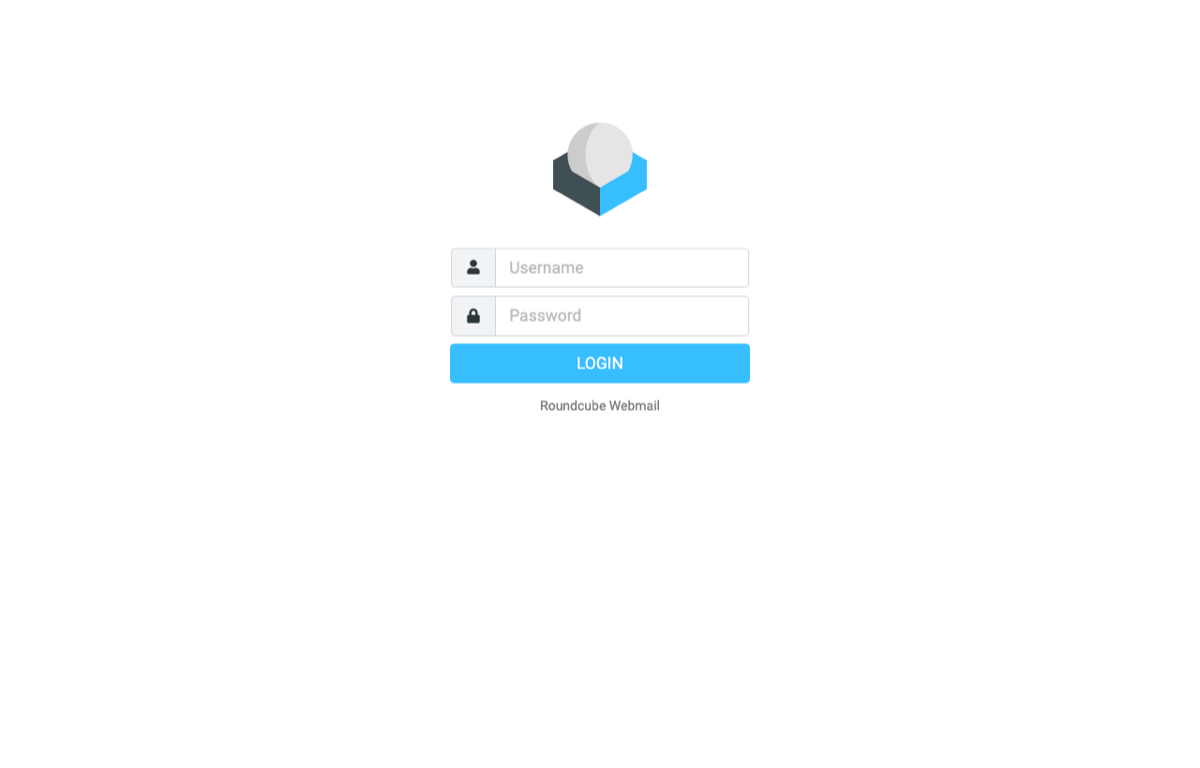
You can also open webmail from the control panel: go to Mail and click Webmail next to the address.
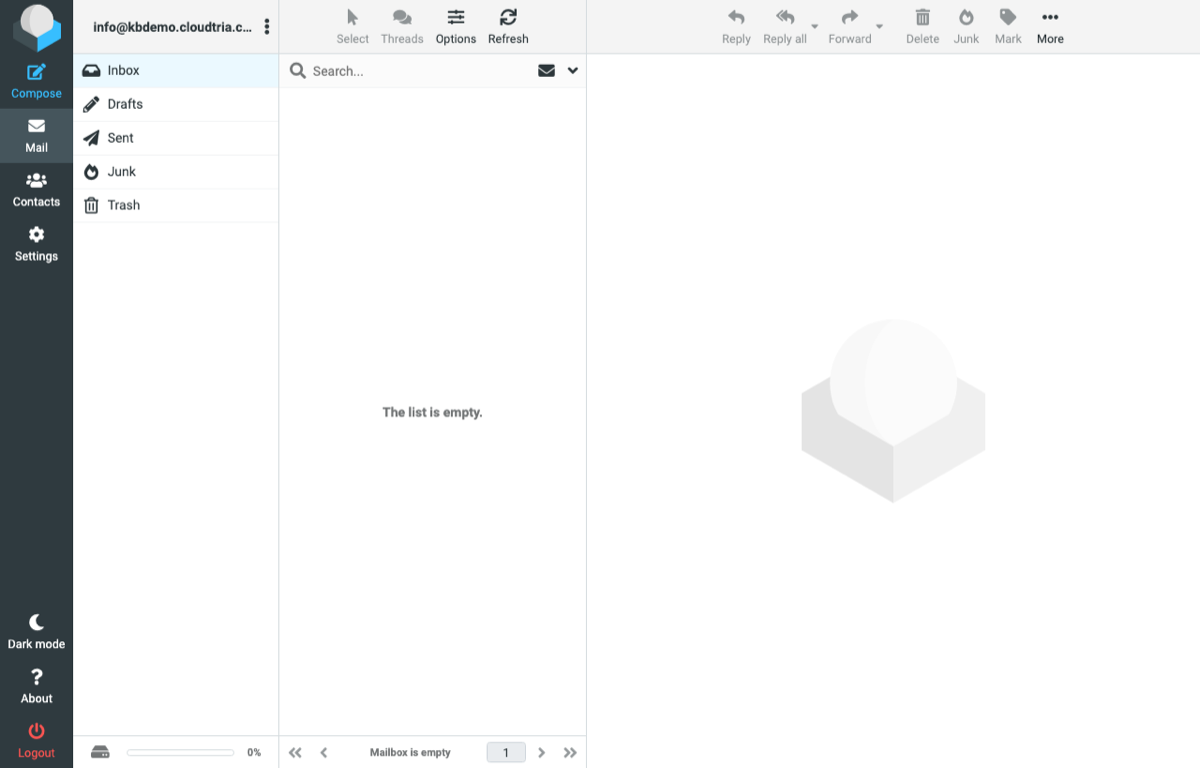
Useful webmail settings
Click Settings on the left:
- Password changes your mailbox password. See changing your email password.
- Filters sorts incoming mail into folders. See email filters.
- Identities sets your name and email signature.
