
Use these settings to add your Cloudtria mailbox to any email app. Replace yourdomain.co.nz with your own domain.
| Setting | Value |
|---|---|
| Email address / username | Your full email address, e.g. you@yourdomain.co.nz |
| Password | The password for that mailbox |
| Incoming server (IMAP) | mail.yourdomain.co.nz, port 993, SSL/TLS |
| Incoming server (POP3) | mail.yourdomain.co.nz, port 995, SSL/TLS |
| Outgoing server (SMTP) | mail.yourdomain.co.nz, port 465 (SSL/TLS) or 587 (STARTTLS) |
| Outgoing authentication | On, using the same username and password |
| Webmail | https://webmail.yourdomain.co.nz |
Choose IMAP unless you have a reason not to. It keeps your email in sync across your phone, laptop and webmail. POP3 downloads messages to one device.
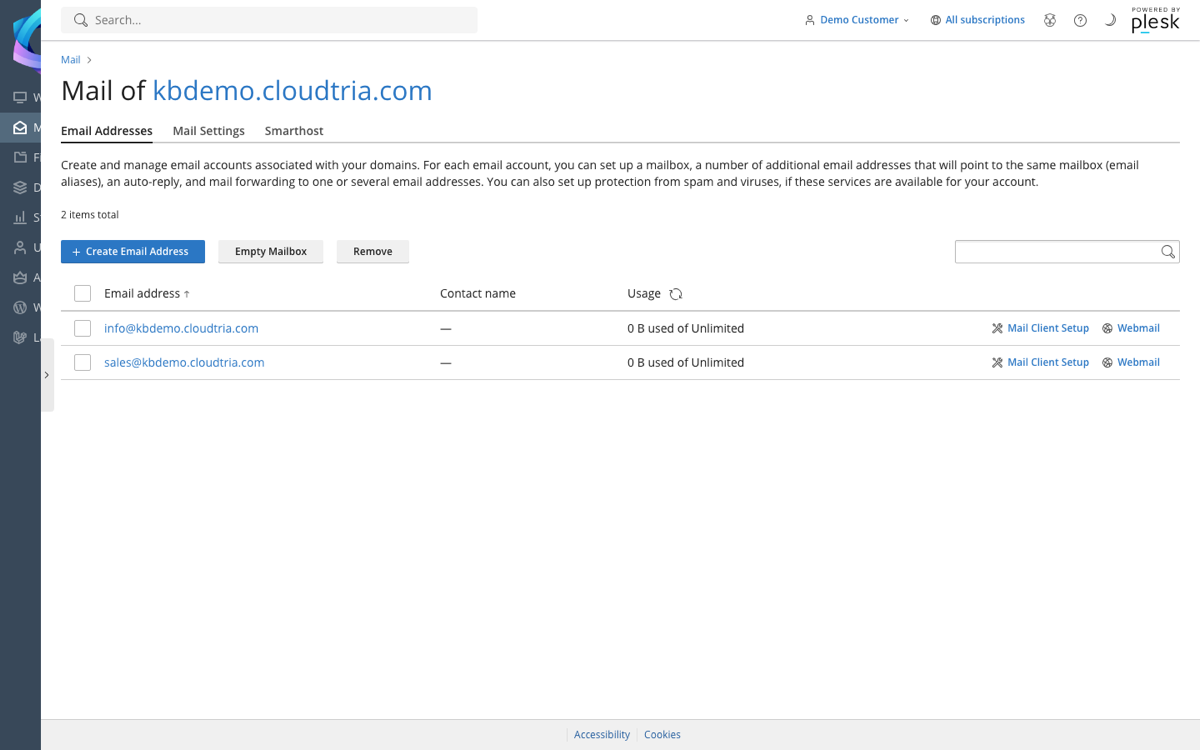
Shortcut: Mail Client Setup
In the control panel, go to Mail and click Mail Client Setup next to an address. It shows step-by-step instructions for popular apps, with your details filled in.
App guides: Outlook, iPhone and iPad, Android.
