
Connect a Git repository (GitHub, GitLab, Bitbucket or your own) and deploy your website by pushing code.
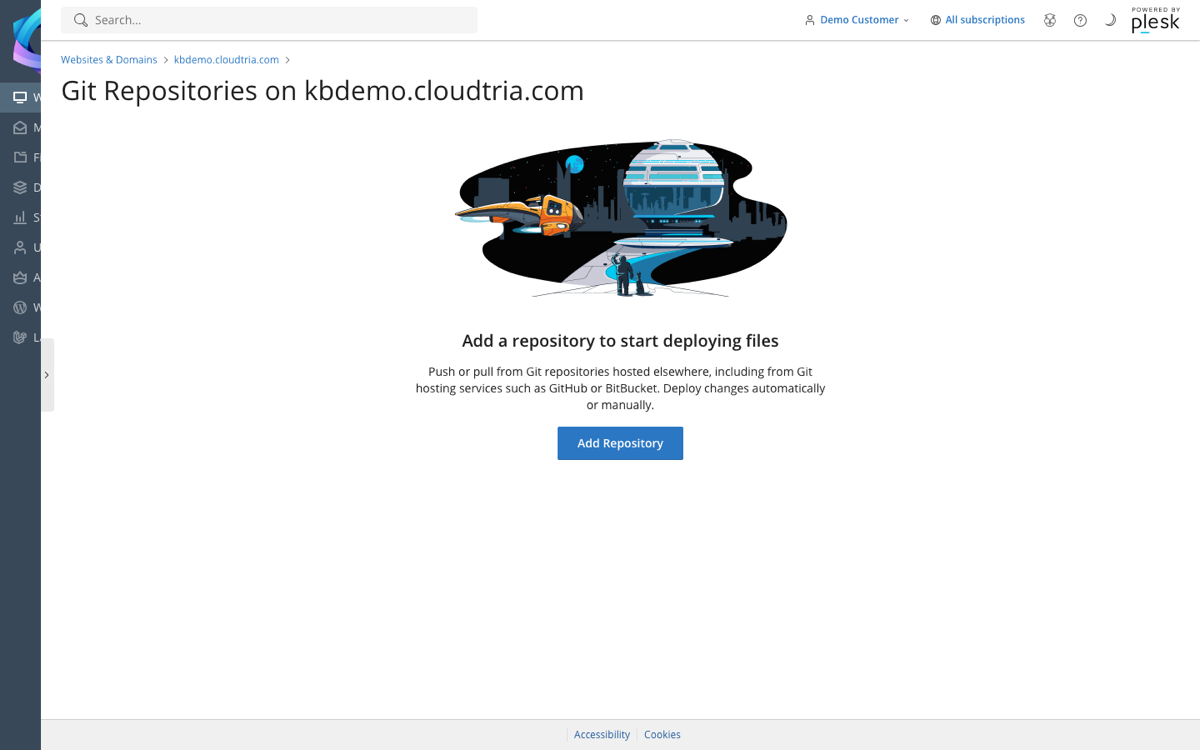
- In the control panel, click your domain, then Git on the Dashboard tab.
- Click Add Repository.
- Choose Remote Git hosting and paste your repository's SSH or HTTPS address.
- For a private repository, copy the SSH key shown and add it as a read-only deploy key in your Git host.
- Choose the branch, a deployment mode (Automatic deploys on every push) and the folder to deploy into, usually
httpdocs. - Click OK.
For automatic deployment, copy the Webhook URL from the repository's settings into your Git host's webhooks.
Additional deployment actions can run commands after each deploy, for example composer install or a build step.
